
WordPress 7.2 Arrives Dec 8. Why I Never Update Client Sites on Release Day
Published on: Nov 20, 2026
4 min read.
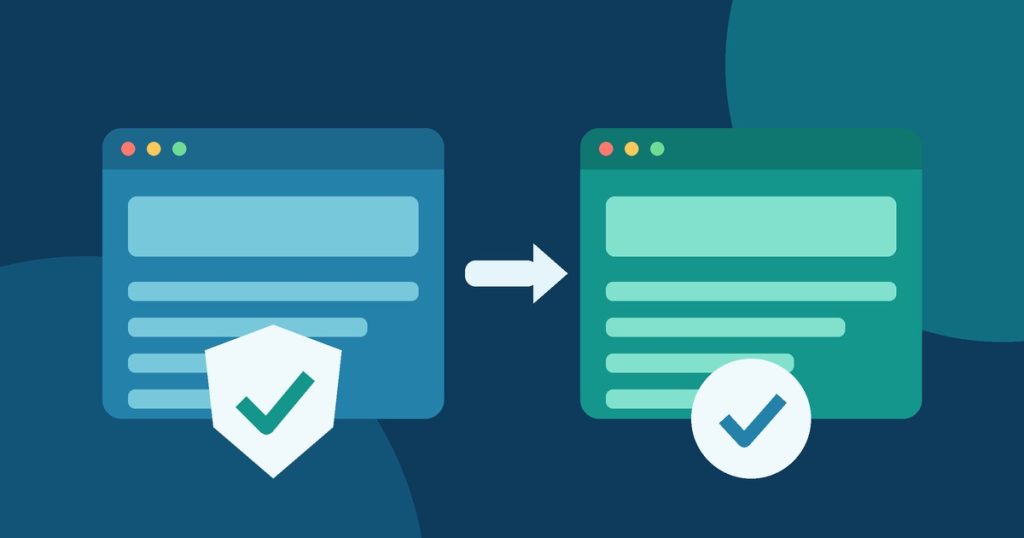
WordPress 7.2 is set to ship on December 8, 2026. It will be the last major WordPress release of the year. It brings a new default theme, a faster admin and a long list of editor changes.
I will not install it on client sites that morning. I never update client sites on release day. Here is what is coming and why I wait.
Where 7.2 Stands Today
The first release candidate came out on November 17. A second one followed on November 18. Two more are planned for November 24 and December 1. The WordPress team says not to run these test builds on a live site.
Here are some of the changes owners will notice.
- Ipsum, a new default theme
- more responsive design controls, including Gallery settings for columns and cropping
- text shadow controls for headings and text
- better Notes for teams who edit together
- faster media uploads, with images resized in the browser before they upload
- a faster admin that loads its files in a smarter way
- new SVG icons across the dashboard
- an On This Day dashboard widget that shows older posts from the same date
- a new random post address at /random/
- PHP 8.6 compatibility fixes
There are also changes under the hood. WordPress 7.2 ships a newer jQuery Migrate. This gets plugins ready for jQuery 4, which is planned for a later release. Older plugins and themes that lean on jQuery may start to show warnings.
A Secrets API for storing API keys was announced in the first beta. The WordPress hosting team now says it was pulled from 7.2. Do not plan around it yet.
Big Updates and Security Updates Are Different
On November 18 WordPress also shipped 7.1.5. That is a security release. It fixes 20 issues. One could let someone who is not logged in raise their access and possibly run code. Others include SQL injection and cross site scripting fixes.
WordPress says to update to 7.1.5 right away. I agree. Small security releases change very little. The risk of waiting is bigger than the risk of updating.
A major release like 7.2 is the opposite. It changes a lot of code at once. That is where surprises hide.
I wrote earlier this month about a flaw in the WordPress 7.1.4 update process. Updates matter. How you apply them matters too.
Who Is Affected?
Every WordPress site will be offered 7.2. Sites with automatic updates for major versions may get it on their own. That depends on your host and your settings.
The sites with the most to lose are the busy ones.
- stores that take orders every day
- sites with booking or payment plugins
- sites built with a page builder or a custom theme
- sites with older plugins that have not been updated in a while
Why I Never Update on Release Day
A new major version has been tested by many people. It has not been tested on your site with your mix of plugins.
On release day plugin authors are still catching up. Some will push fixes in the first days. WordPress often ships a small follow up release soon after a big one.
Small details can also catch a site out. The hosting team tested 7.2 on real platforms. They found the new /random/ address could return an error after some kinds of deploys until the site’s rewrite rules were refreshed. They also found the two common ways to upgrade left different files behind. Those are easy fixes once you know. They are not fun to discover on a live store.
A broken checkout costs sales. A broken form costs leads. A white screen hurts trust and can hurt your Google rankings if it lasts.
How to Update to WordPress 7.2 Safely
1. Apply security updates now.
Make sure you are on 7.1.5. Do not hold back a security release while you wait for 7.2.
2. Check your automatic update settings.
Find out if your host or a plugin will push 7.2 to your site the day it ships. Decide if that is what you want.
3. Back up your site.
Save your files and your database. Keep a copy off the server. Make sure you know how to restore it.
4. Make a test copy.
Use your host’s staging tool or a local copy. WordPress just released a free tool called Reprint that can copy a site for testing.
5. Update the test copy first.
Install 7.2 there. Update your plugins and theme there too.
6. Click through what makes you money.
Test your checkout, forms, booking pages and logins. Check your home page and your top pages on a phone. Look for errors and layout problems.
7. Wait a few days.
Watch for fixes from WordPress and from your plugin makers. Let other sites find the early bugs.
8. Update the live site at a quiet time.
Pick a slow hour for your business. Take a fresh backup right before.
9. Check the site after the update.
Run through your key pages again. Clear any caches. Keep an eye on your error logs and your contact form for a day or two.
Let Me Handle Your Updates
Updates should keep your site safe. They should not keep you up at night.
I build, host and secure WordPress and React sites for small businesses. I can also take over hosting and security for a site you already have. It does not matter if an agency, an in-house team or an AI tool built it. With my managed hosting and security maintenance you get
- security releases applied quickly
- major updates tested on a staging copy before they go live
- daily backups stored off the server and a tested restore plan
- plugin, theme and core updates checked after each run
- 24/7 uptime and security monitoring
- help with SEO and Google Ads if an outage has hurt your traffic
You run the business. I keep the site safe, current and online.
Want help getting ready for WordPress 7.2? Contact me and I will check your site and your update plan.